Videos and screenshots

Media

Gameplay clips and interface screenshots from the current release.

Videos

Gameplay archive

Gameplay clips from the current XXECLUB Script release.

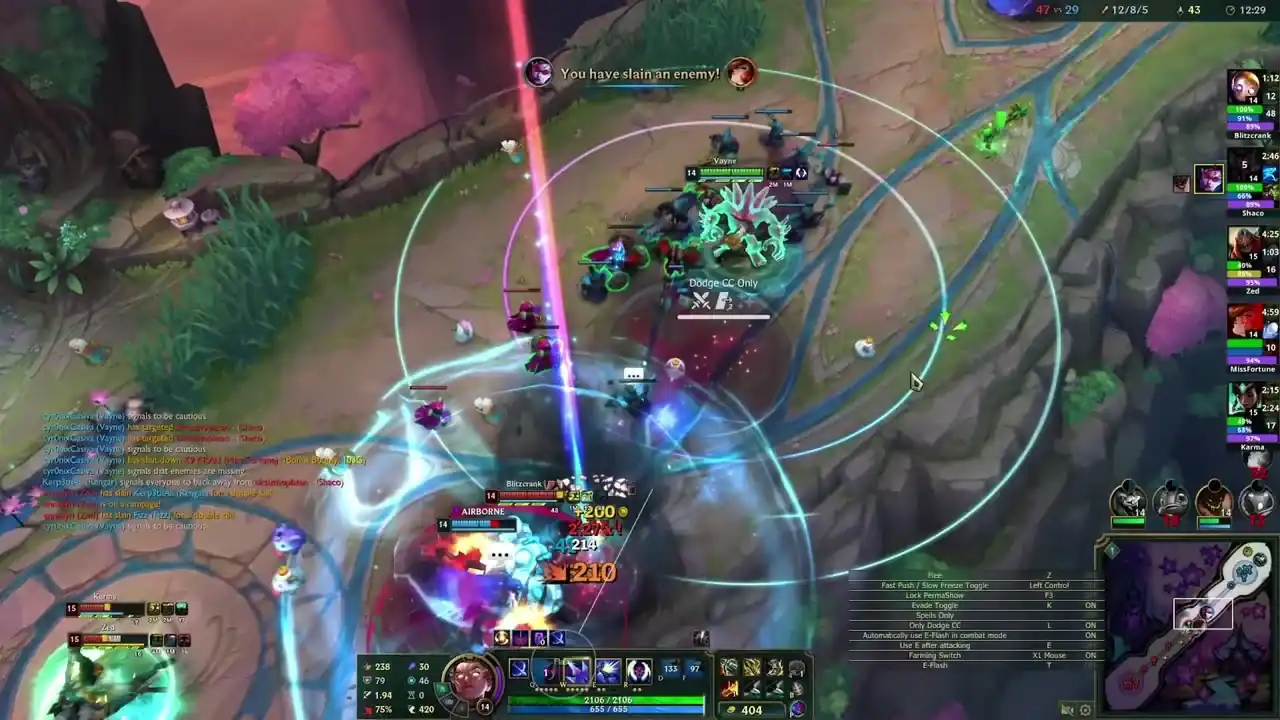
Gameplay clip 01 Top-down team fight on an icy map. Range circles surround the player’s champion and the in-game menu overlay is visible at the lower left.
Gameplay clip 02 A single champion in a grassy jungle area, surrounded by large range circles. The in-game menu overlay and the chat log are visible at the lower left.
Gameplay clip 03 A team fight in a jungle clearing with spell effects and warning markers on the ground. Range circles and the in-game menu overlay are on screen.
Gameplay clip 04 Fighting near a turret with a large red danger zone on the ground and range arcs around the champion. The in-game menu overlay is visible at the lower left.
Gameplay clip 05 Two groups of champions trade spells in a grassy lane, with a bright spell burst in the centre and range circles around the player.
Gameplay clip 06 A champion with allied minions beside a rocky wall, with range arcs around the champion and a cyan ring on the ground ahead. The in-game menu overlay is visible at the lower left.

Screenshots

Interface screenshots

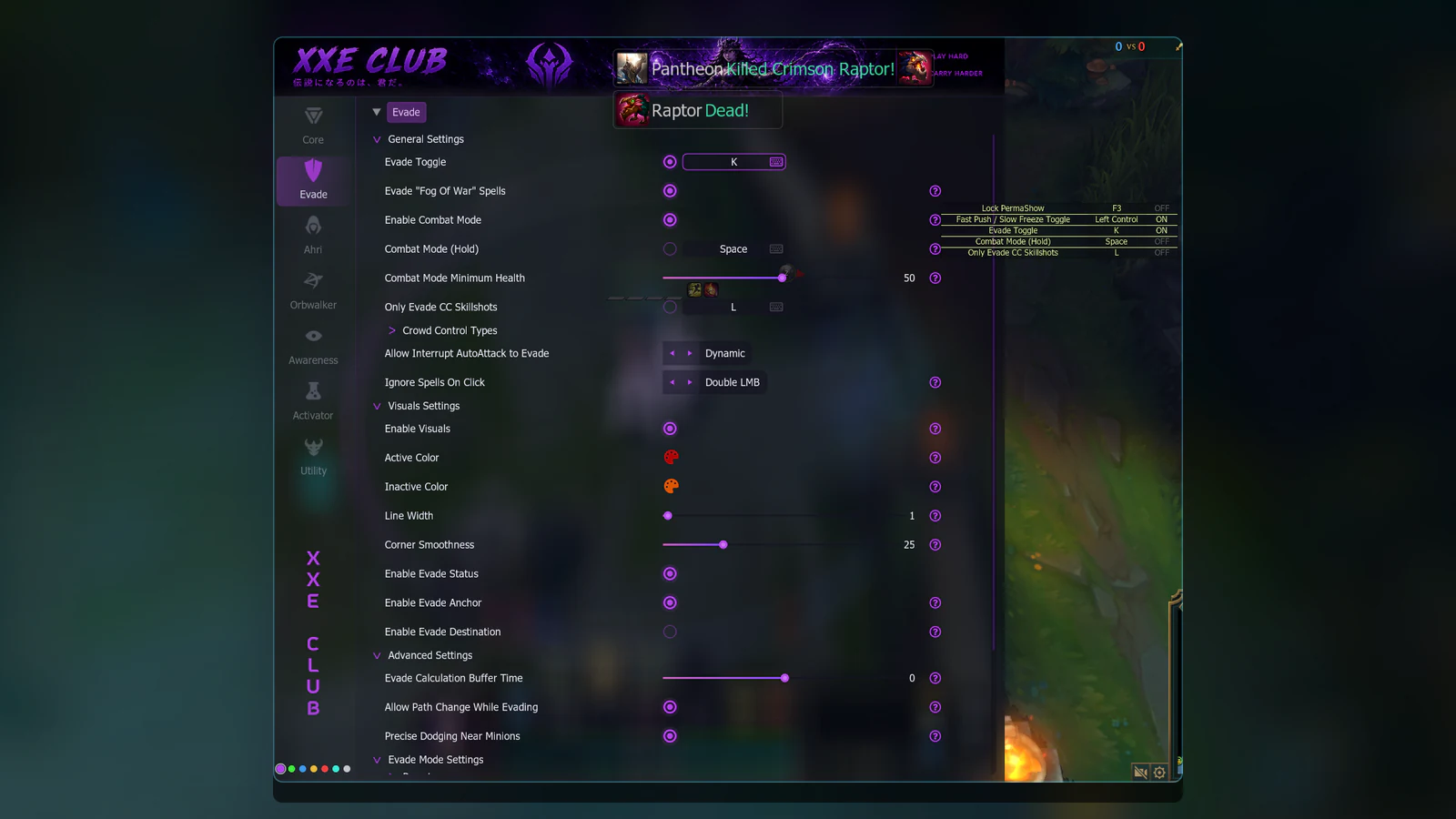
XXECLUB Script in-game menu, Evade area: general settings with the toggle, combat mode and crowd-control options, then visuals and advanced settings.
Evade General settings, visuals and advanced options
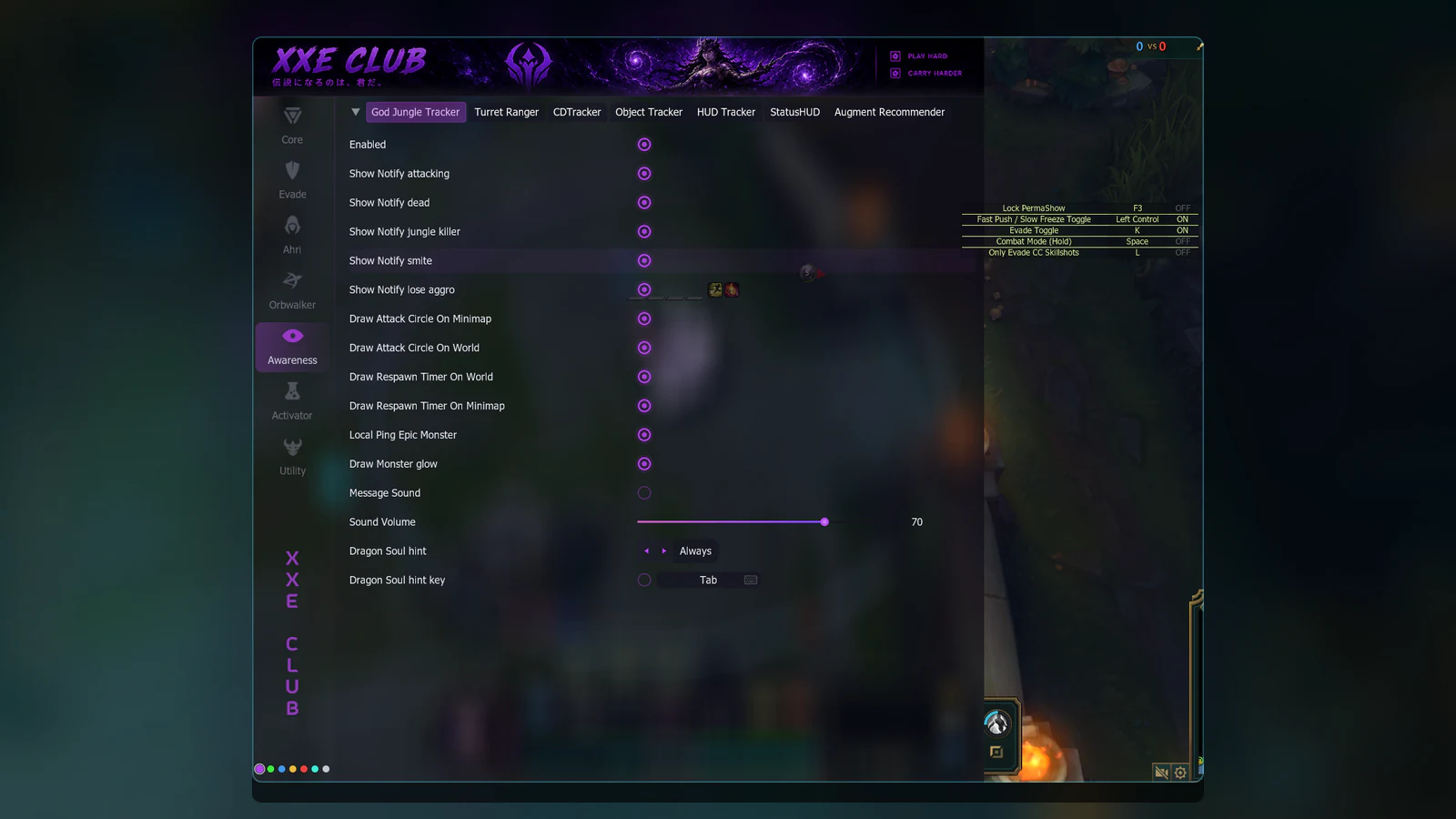
XXECLUB Script in-game menu, Awareness area: the God Jungle Tracker tab with notification, circle and respawn timer options.
Awareness God Jungle Tracker and the other tracker tabs
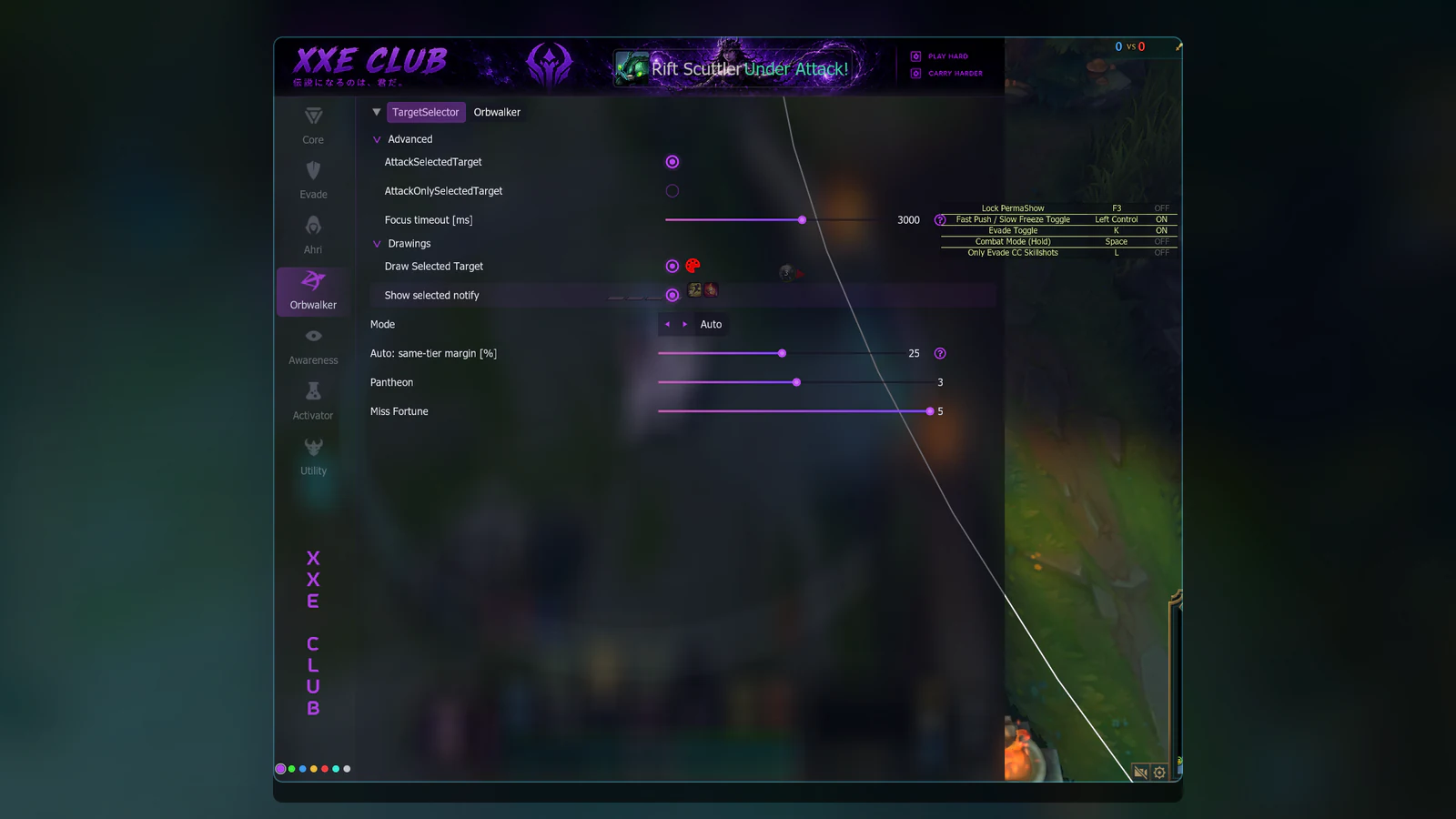
XXECLUB Script in-game menu, Orbwalker area: the TargetSelector tab with advanced options, drawings and a mode selector.
Orbwalker TargetSelector: advanced options, drawings and mode
XXECLUB Script in-game menu, Activator area: offensive items, defensive potions, summoner spells and AutoLantern settings.
Activator Items, potions, summoner spells and AutoLantern

Screenshots

In-game menu gallery

XXECLUB Script in-game menu, Core area: the Graphics Settings tab with scale and blur sliders.
Core Graphics Settings tab
XXECLUB Script in-game menu, Evade area: Evade Mode Settings with presets, spells list and evading methods.
Evade Evade Mode Settings
XXECLUB Script in-game menu, Utility area: the Zoom Editor tab with camera and zoom sliders.
Utility Zoom Editor tab
XXECLUB Script in-game menu, Awareness area: the StatusHUD tab with status icons and an auto-attack timer.
Awareness StatusHUD tab

Community

Follow announcements

New media is announced in the community channels.