

General settings for the menu itself and its appearance.
Visible controls Global scale, Blur Effect, BlurRadius

Setup guides
How to open the XXECLUB Script menu, the keys that matter and a short tour of its seven areas, with screenshots.
During a match, press Shift to open the menu and Shift again to close it. The key is the MenuKey setting of the Core area.
Shift opens and closes the menu.F2 is Hide All Visuals: it hides or shows all visuals.F3 is Lock PermaShow: it locks or unlocks the PermaShow panel.The menu has seven areas on its left side: Core, Evade, a tab named after the selected champion, Orbwalker, Awareness, Activator and Utility.

A short summary of the seven areas of the in-game menu, with a few of the controls visible on the screenshots. Anything marked "Not documented yet" has not been written up.
General settings for the menu itself and its appearance.
Visible controls Global scale, Blur Effect, BlurRadius
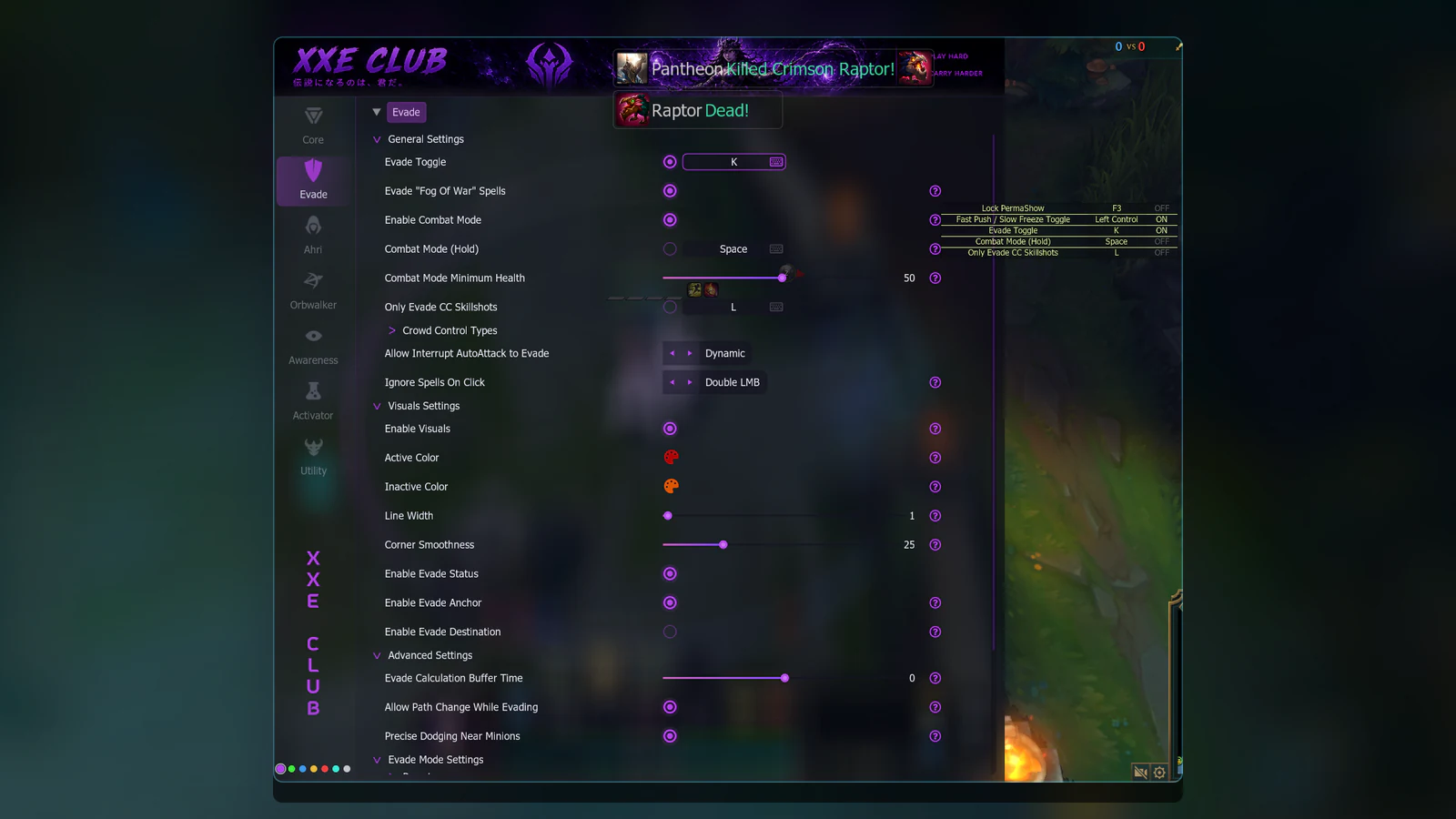
General, visual and advanced settings for the Evade feature.
Visible controls Evade Toggle, Enable Combat Mode, Enable Visuals
Not documented yet: the collapsed nodes, such as Spells To Evade and Presets.

The tab named after the selected champion, shown here as Ahri. The menu follows the champion being played.
Visible controls Heroes, Utilities, Local
Not documented yet: the Prediction sub-tab.
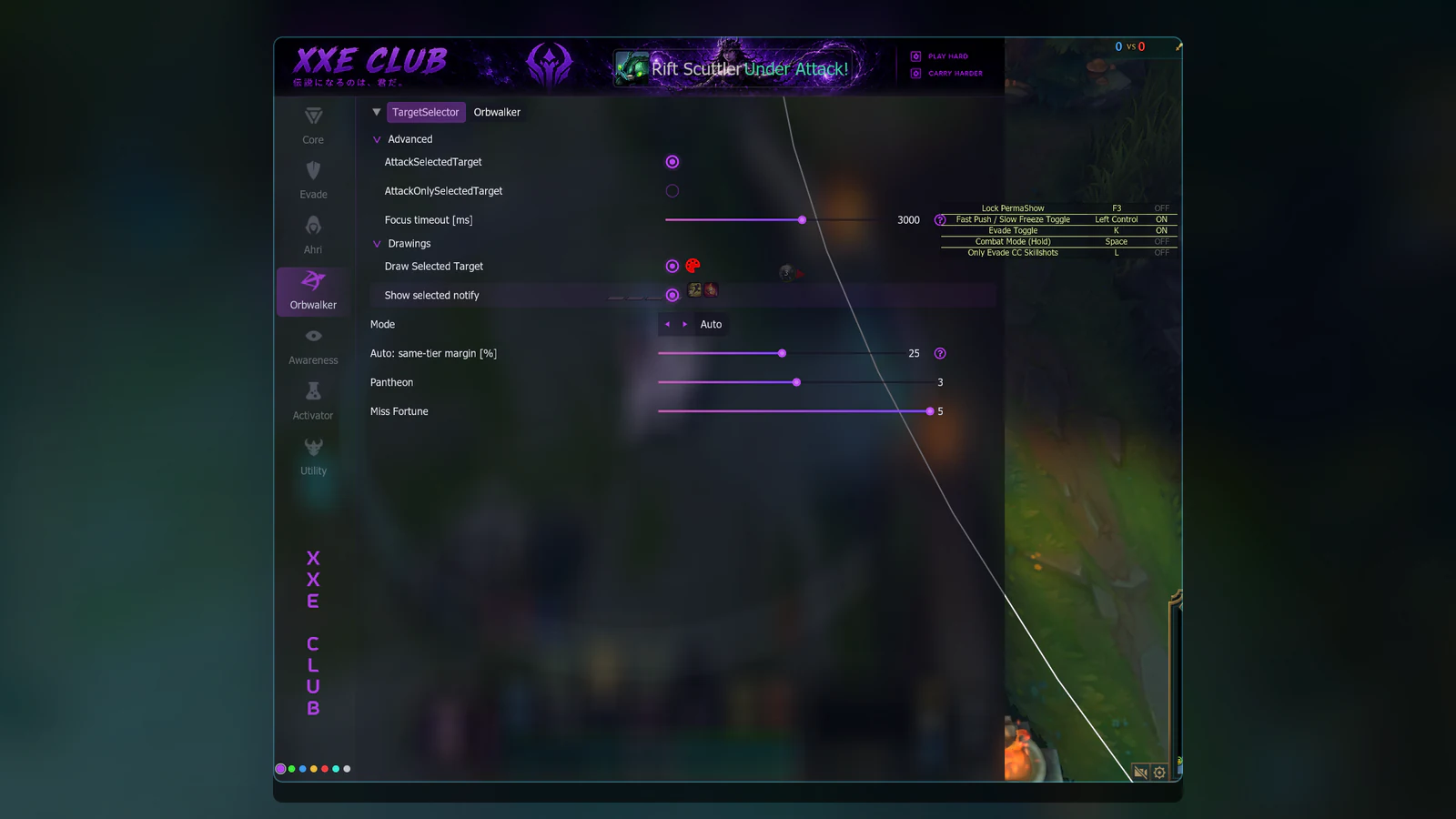
Target-selection settings on the TargetSelector sub-tab.
Visible controls Draw Selected Target, Show selected notify, Mode
Not documented yet: the Orbwalker sub-tab.
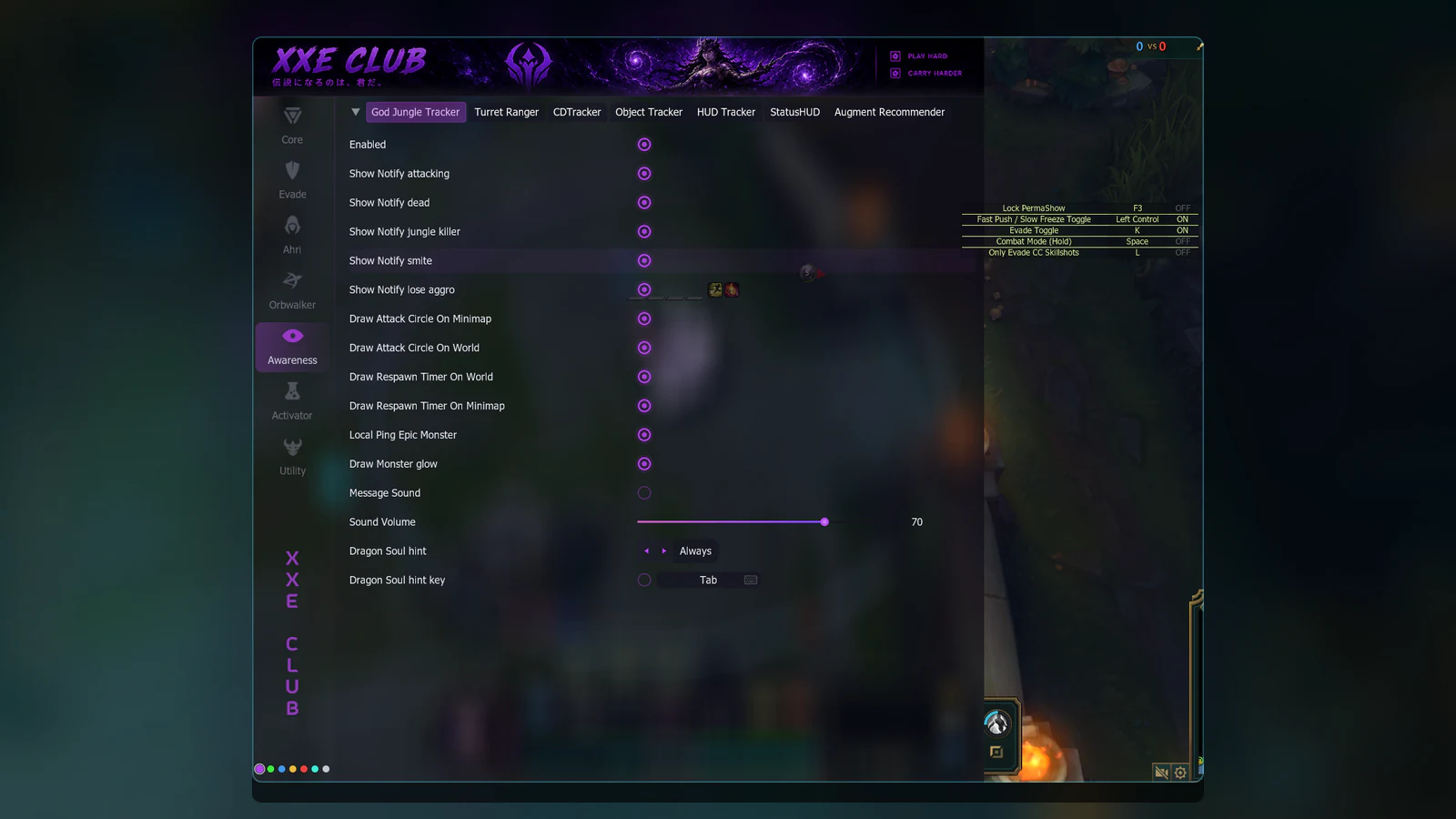
Display and notification settings on sub-tabs from God Jungle Tracker to Augment Recommender.
Visible controls Draw Respawn Timer On Minimap, Sound Volume, Dragon Soul hint
Not documented yet: the collapsed nodes of the HUD Tracker tab.
Settings for item groups, summoner spells and AutoLantern.
Visible controls Auto use Potions, Use only under % HP, AutoLantern
Not documented yet: the item entries, which are collapsed.

Skin, automatic level and camera utilities on three sub-tabs.
Visible controls Unlock zoom limit, Field of view, Zoom value
Not documented yet: the entries of the dropdown lists.

PermaShow is a small panel on the screen. It lists a few settings with their key and their current state, ON or OFF, and F3 locks or unlocks it. You can see it at the right of the screenshot above.
StatusHUD is a tab of the Awareness area. It has settings for status icons and for an auto-attack timer.

Change one setting at a time, test it in a game and keep a note of the value you replaced. Keep a copy of a configuration that works before you experiment further.