

Setup guides
First run
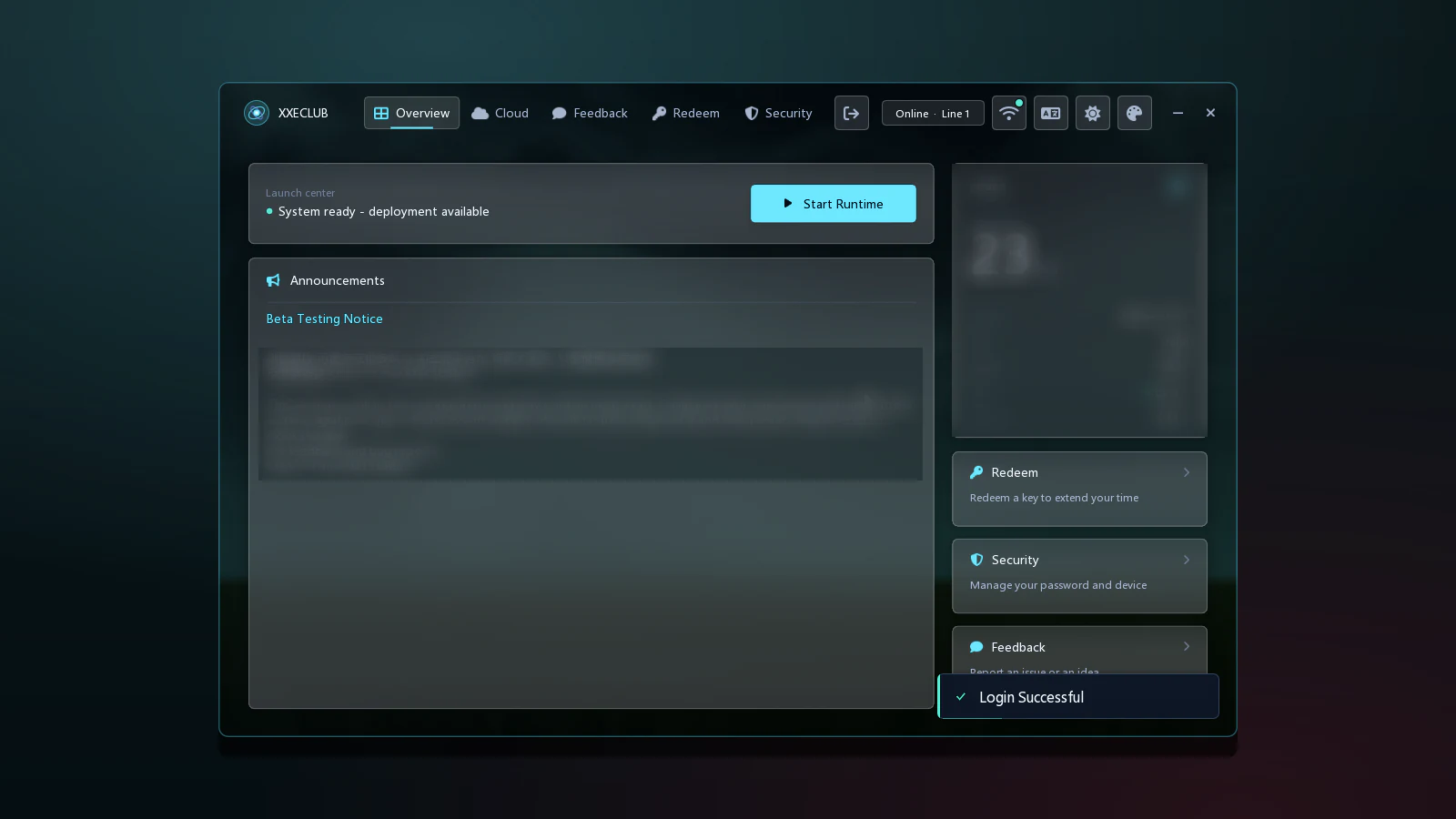
Open the launcher, press Start Runtime, enter a match and confirm that the XXECLUB Script menu appears.
Before you start
Install the release (Install) and create your account (Account). Windows 10 (64-bit) is recommended; Windows 11 (64-bit) also works.
Start-up steps
- Open the launcher and log in with your account.
- Use the serial that was delivered to you, where the launcher asks for it.
- On Overview, check that the status line reads System ready - deployment available, then press Start Runtime.
- Start League of Legends and enter a match. If the game loads slowly, wait until you are inside the match before you open the menu.
- Press
Shift. If the menu appears, setup is complete. PressShiftagain to close it.
Screens

Closing
When you are done, close the menu with Shift, leave the match and close the launcher.
If something does not look right
Check Troubleshooting. If that does not help, ask in the community through Support.
Next, see the Interface tour for the keys and the areas of the menu.